Installation
Download and Installation
- Go to the TrackAudio repository on GitHub.
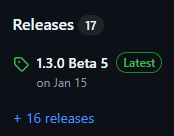
- Open the latest version by clicking the most recent entry under Releases on the right-hand side.
- In the list at the bottom of the page, under Assets, look for the latest version available for your operating system.
Windows
The Windows version ends in .exe.
- Install as usual.
Configuration
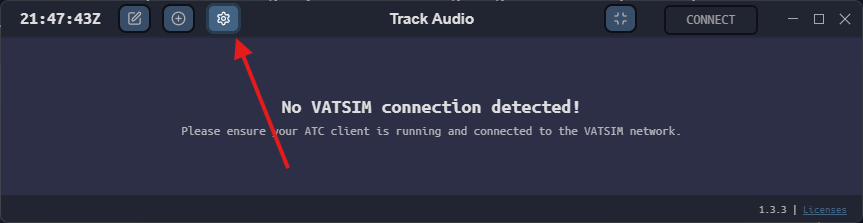
- When you open TrackAudio, access the settings by clicking the gear icon in the top-left corner.
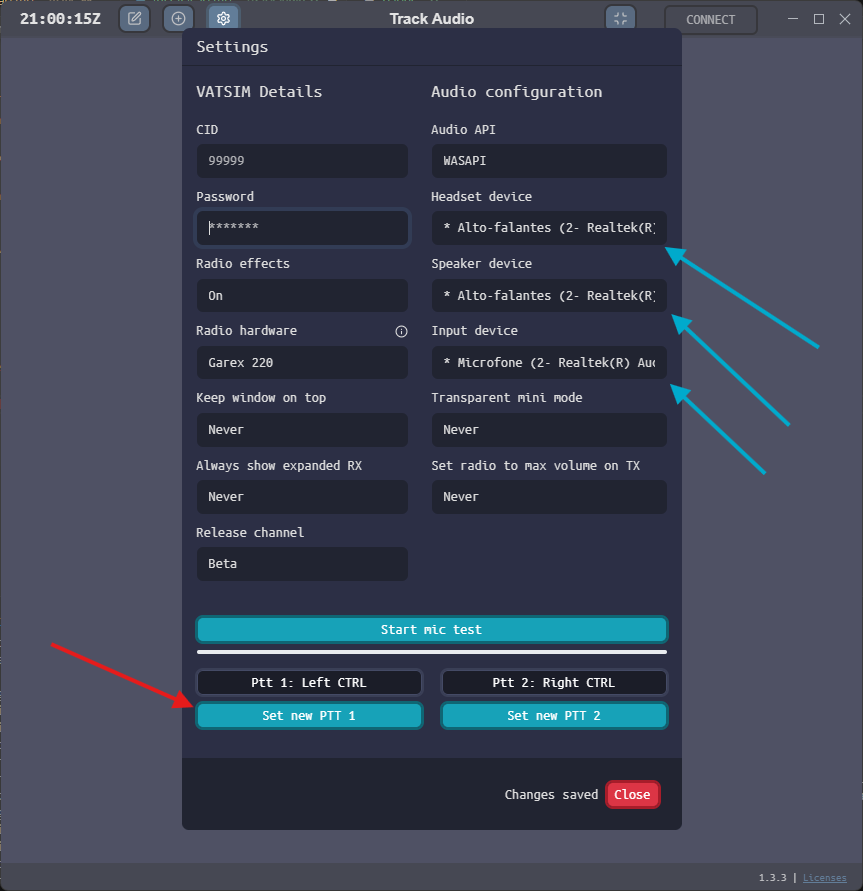
- Configure it by entering your Vatsim CID and password, paying close attention to the following items:
- Blue arrows: audio outputs (primary [headset] and secondary [speaker]) and audio input;
- Red arrow: push-to-talk buttons.